
Flutter Mobile App Development: When Should Businesses Choose It?
Every engineering lead and founder staring down a mobile roadmap hits the exact same fork in the road: do you staff two separate teams to build native iOS and Android apps, or do you bet the product on a shared cross-platform codebase?
The choice is rarely about programming syntax. It is an operational decision that dictates hiring velocity, release cadence, engineering burn rate, and how much platform-level friction your team will fight over the next three years.
Over the last few years, Flutter mobile app development has matured from an experimental UI toolkit into a dependable option for production applications. But it isn't an automatic cost-cutter, and treating it like one usually leads to technical debt.
Quick Answer: Flutter is the right commercial choice when your product requires simultaneous iOS and Android launches, a consistent visual design across devices, rapid feature iteration, and primarily relies on API data and standard hardware sensors. It becomes a liability when your app's core value depends on low-level peripheral drivers, background system daemons, bleeding-edge OS APIs, or compute-heavy device operations.
What Makes Flutter Different Under the Hood?
Most cross-platform tools rely on a bridge or system-level web views to render user interfaces. React Native, for instance, historically used a bridge to communicate asynchronously with native OEM widgets.
Flutter takes an entirely different architectural path.
Instead of calling iOS UIKit or Android Jetpack Compose UI elements, Flutter packages its own rendering engine (Impeller on modern runtimes, Skia on older configurations) and compiles application logic directly to native ARM machine code using Dart.
Architectural Layer | How Flutter Handles It | How Traditional Native Handles It |
|---|---|---|
UI Rendering | Renders every pixel directly onto a dedicated canvas via Impeller/Skia | Calls platform-specific OEM UI components (UIKit / Jetpack Compose) |
Runtime Execution | Compiles Dart ahead-of-time (AOT) to native machine code | Compiles Swift or Kotlin directly to platform machine code |
Layout Consistency | Identical UI layout across all OS versions and screen sizes | Adapts automatically to host OS conventions and updates |
Development Cycle | Sub-second stateful hot reload for rapid UI updates | Incremental native builds and preview canvases |
Because the engine controls every drawn pixel, the app behaves identically across different hardware generations. The trade-off is architectural independence: Flutter does not use Apple's or Google's native interface components unless you explicitly instruct it to mimic them.
Where Flutter Delivers Clear Commercial Value
Flutter works best when an application serves as an interactive client for business logic, cloud databases, and standard user workflows.
1. Dual-Platform Launch on a Realistic Budget
Building native apps means maintaining two parallel source trees: Swift for iOS and Kotlin for Android. That translates to two distinct code reviews, two separate QA validation cycles, and constant coordination to keep features in sync. If your business must hit both platforms on day one, Flutter application development allows a single product team to deliver feature parity without funding two parallel engineering departments.
2. High-Fidelity, Custom Design Systems
If your product design team opts for a distinct, custom-branded layout rather than strict platform conventions, native development becomes tedious. Recreating custom canvas animations, bespoke transitions, and non-standard form controls twice takes substantial time. Flutter treats custom, highly stylized UI elements as default primitives.
3. API-Heavy Business and SaaS Applications
The majority of modern enterprise, fintech, e-commerce, and logistics applications are fundamentally display layers for cloud backends. They authenticate users, fetch data from REST or GraphQL endpoints, run validation rules, process payments, and update dashboards. For these product profiles, cross-platform mobile app development handles the workload cleanly without introducing platform-specific friction.
Where Flutter Breaks Down: The Hidden Friction Points
Here is where teams get this wrong: assuming a shared codebase eliminates platform-specific engineering entirely.
If an application depends heavily on low-level hardware interactions, your engineers will end up writing native Swift and Kotlin code anyway using MethodChannels or FFI (Foreign Function Interface). At that stage, you are no longer maintaining one codebase. You are maintaining three: the Dart UI layer, the iOS bridge, and the Android bridge.
Product Requirement | Flutter Suitability | Engineering Reality |
|---|---|---|
Custom BLE & IoT Hardware | High Friction | Requires continuous custom bridge maintenance in Swift and Kotlin. |
Persistent Background Daemons | Moderate to High Friction | OS-level background execution rules differ sharply between iOS and Android. |
Minimal Binary Download Size | Moderate Overhead | The bundled engine adds a baseline footprint of roughly 4MB to 8MB. |
Day-One OS Feature Adoption | Moderate Lag | Community plugins often lag major WWDC and Google I/O platform releases. |
Standard CRUD / Cloud Operations | Very Low Friction | Out-of-the-box support with clean state management and rapid iteration. |
Flutter is generally the wrong foundation if your product requires complex background location tracking, proprietary Bluetooth packet parsing, direct audio synthesis, or deep integration with platform security enclaves.
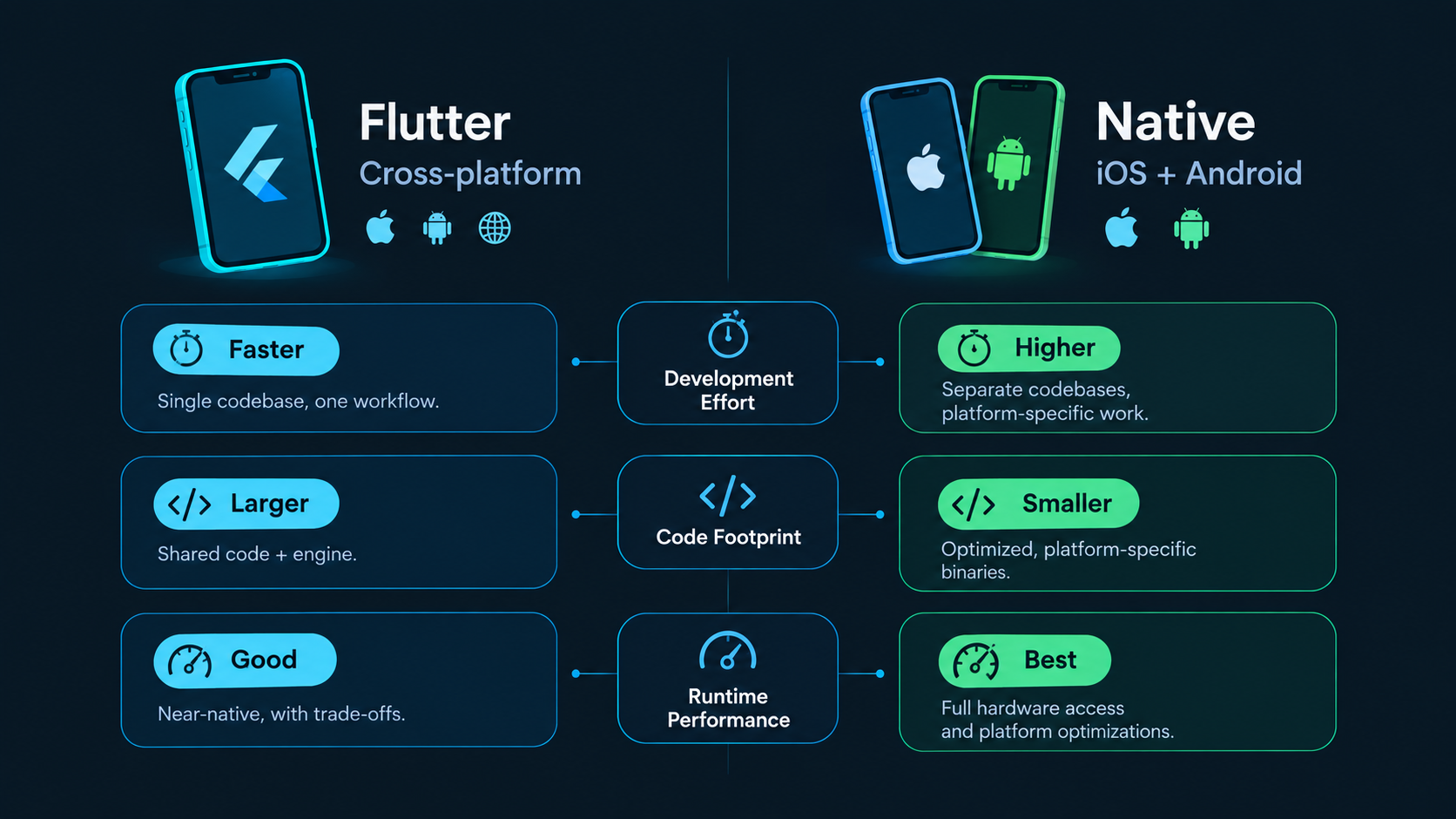
Flutter vs Native Mobile App Development: Direct Comparison
Choosing between these two approaches requires balancing long-term maintenance costs against low-level system access.
Evaluation Metric | Flutter App Development | Native (iOS / Android) |
|---|---|---|
Target Languages | Dart | Swift (iOS), Kotlin (Android) |
Code Sharing | 80% – 95% common codebase | Minimal code sharing (except via KMP) |
UI Behavior | Predictable, custom-drawn components | Platform-native components by default |
System API Access | Plugins or custom native platform channels | Direct, unabstracted OS-level access |
Build Artifact Size | Larger base binary (~4MB–8MB engine overhead) | Lean, bare-metal base footprint |
Iteration Velocity | High (Stateful hot reload across platforms) | Moderate (Requires dual-platform builds) |
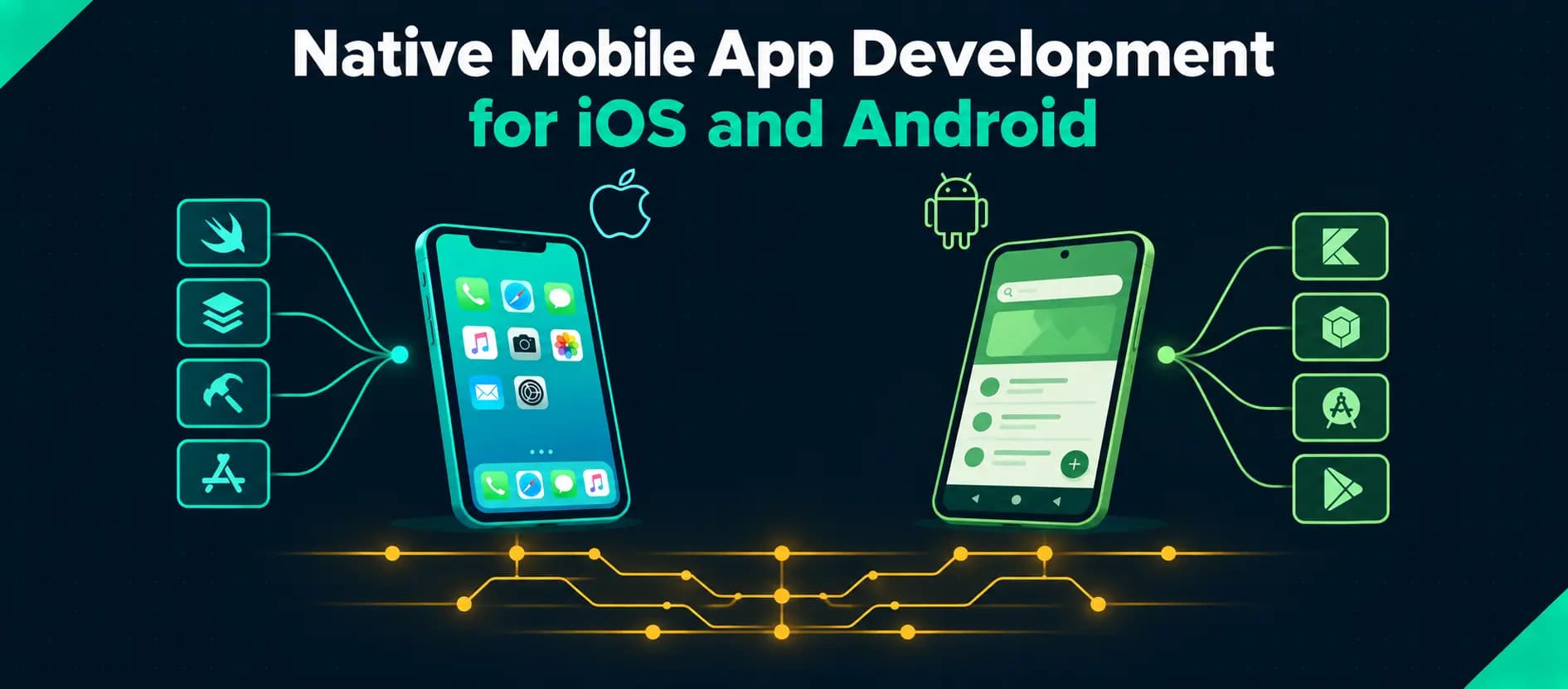
If your application demands maximum computing throughput, specialized device sensors, or platform-native accessibility controls, read our detailed analysis on native mobile app development for iOS and Android.
Similarly, if you are deploying field tools or enterprise systems destined for regions with unstable connectivity, your technical design must center on an offline-first mobile architecture with robust local caching before you finalize any UI work.
A Practical Selection Matrix for Engineering Leads
To decide whether Flutter vs native app development makes sense for your upcoming project, match your core requirements against the criteria below:
If your primary project reality is... | Recommended Stack | Strategic Rationale |
|---|---|---|
Tight budget with mandatory iOS & Android release | Flutter | Eliminates duplicate team overhead and ensures synchronized releases. |
Heavily custom-branded UI across all platforms | Flutter | Single rendering engine avoids writing duplicate custom UI widgets. |
Deep integration with BLE, sensors, or background daemons | Native | Bypasses MethodChannel maintenance and third-party plugin dependency risks. |
Product built around the latest platform-specific OS APIs | Native | Immediate access to new Apple and Google SDKs without waiting for plugin updates. |
Standard SaaS, e-commerce, or internal business tooling | Flutter | Fast development cycles, clean API integration, and simpler maintenance. |
Aligning Architecture With Product Goals
Technology choices should always follow product constraints, not industry trends. Flutter is an exceptional tool when development speed, cross-platform consistency, and shared business logic are the primary operational goals. It becomes an obstacle only when forced onto products that fundamentally require low-level operating system control.
At Toadster, we assess mobile architecture based on performance profiles, data synchronization needs, and multi-year maintenance realities. Whether your application calls for Flutter, React Native, or platform-native engineering, our mobile app development services focus on building clean, performant software that scales with your business.
If you are planning an upcoming product launch and weighing architectural trade-offs, talk to the Toadster team to scope the right technical foundation.