
Native Mobile App Development for iOS and Android : A Business Guide
Most businesses get the first mobile app decision wrong. Not the feature list. Not the design. The decision that happens before either of those: which development approach to use. And it matters more than most teams realize until they are two years in and stuck.
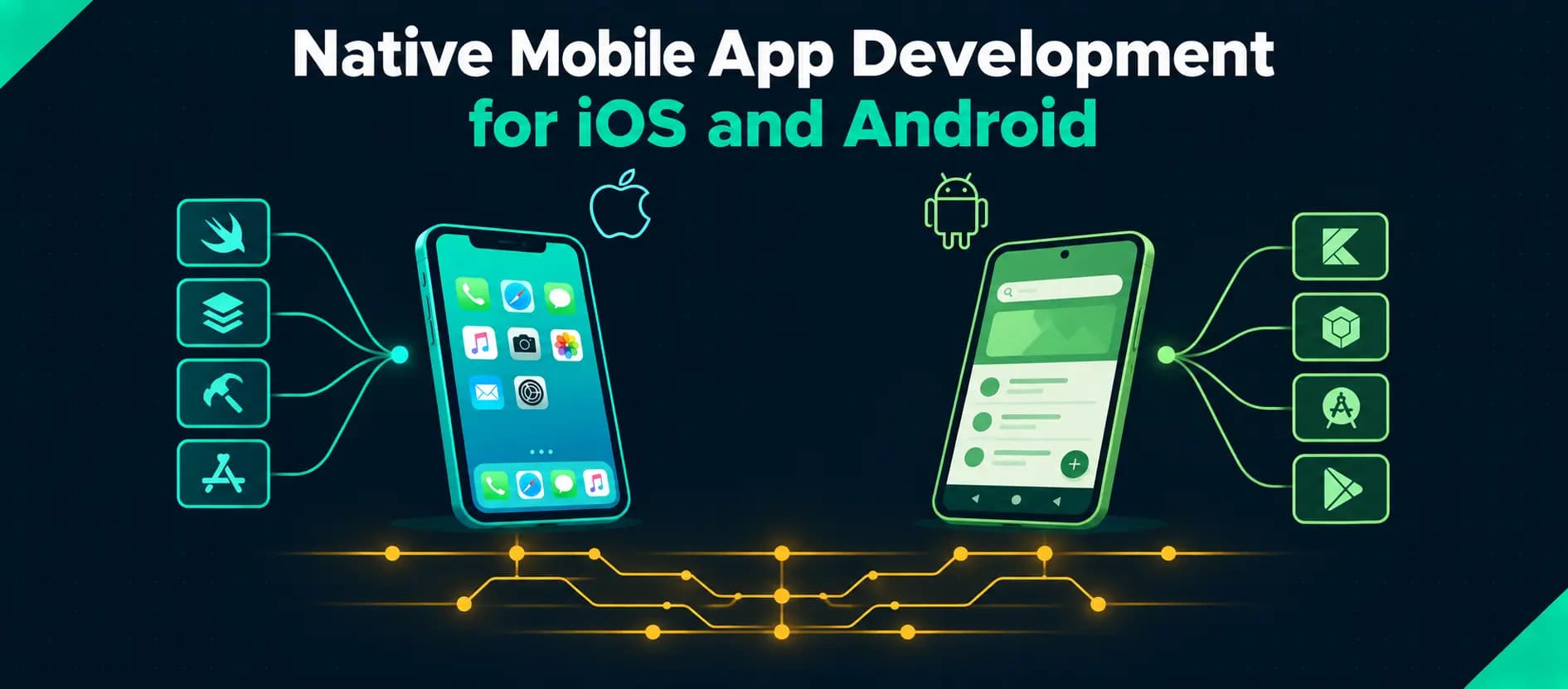
Native mobile app development means building an application specifically for one platform using that platform's own tools and languages. Swift for iOS. Kotlin for Android. Each app written once for its platform, optimized for its hardware, its design conventions, its users. No translation layer. No bridge between your code and the device.
That specificity is the point. It is also the trade-off. This guide is about when that trade-off works in your favor and when it does not.
Quick answer: Native mobile app development uses platform-specific languages and tools to build iOS and Android apps separately. Swift and SwiftUI for iOS. Kotlin and Jetpack Compose for Android. Native apps talk directly to device hardware, follow each platform's design standards without approximation, and perform at a ceiling cross-platform frameworks get close to but rarely reach. Whether native is the right choice depends on what your product needs to do, who uses it, and how long you plan to keep it.
What Native Actually Means
Native gets used loosely. It is worth being specific.
A native app is built using the official language and SDK of the target platform. It runs directly on the operating system. No interpreter. No bridge. No runtime translating calls between your application and the hardware. The app reaches the device in the device's own language, which is where the performance advantage actually comes from.
For iOS that means Swift, or Objective-C for older projects. Built in Xcode. Using Apple's frameworks directly: UIKit, SwiftUI, Core Data, ARKit, HealthKit, Core Location, and the rest.
For Android that means Kotlin, or Java for existing codebases. Built in Android Studio. Using Android's APIs directly: the Android SDK, Jetpack, Jetpack Compose, WorkManager, Firebase.
Here is where people get confused. React Native and Flutter produce apps that can look native. Some of them are genuinely good. But a React Native app uses a JavaScript bridge to reach native APIs. Flutter renders its own UI rather than using platform components. That abstraction layer is not a bug, it is a design choice, and for many products it is completely fine. But it is not the same thing as native. The difference shows up in specific places. Those places matter for certain categories of product and not at all for others.
Native iOS App Development
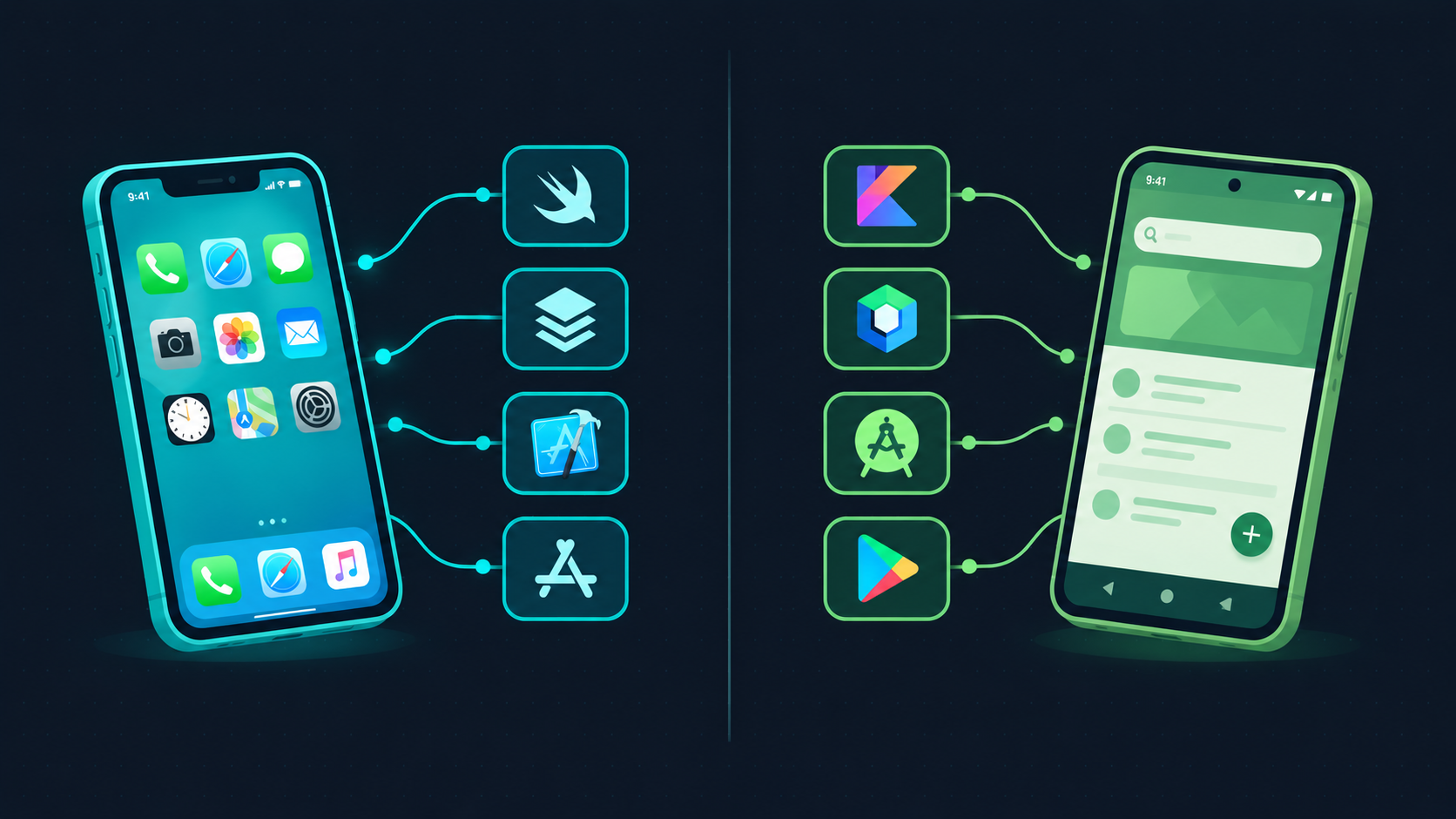
iOS users in North America, Western Europe, Japan, and Australia hold apps to a high standard. Not always consciously. But they notice when something feels slightly off. Wrong transition timing. A gesture that does not respond the way every other app responds. Typography that does not sit quite right. It is not something most users could articulate, but they feel it, and it affects whether they keep using the app.
Native iOS development is the most reliable way to avoid that.
Swift is where new iOS projects should start. Apple has been clear about this for years, through its documentation, its own app updates, its developer conference content. Swift is fast, expressive, and tightly integrated with Apple's frameworks. Objective-C is not going anywhere, and if you have an existing Objective-C codebase, it is fine to stay there. But for anything new, Swift is the right foundation.
SwiftUI changed how iOS interfaces get built. Before SwiftUI, building adaptive, accessible interfaces in UIKit required a lot of code. SwiftUI's declarative approach reduces that significantly. Live previews in Xcode. Integration with platform-specific frameworks. Coexistence with UIKit for teams that need it. Apple is moving its own apps and documentation toward SwiftUI, which is usually a reliable signal about where a platform is going.
The iOS SDK is the real differentiator. Direct access to Face ID and Touch ID. Camera and photo library. HealthKit. ARKit. HomeKit. Push notifications that do not go through a third-party bridge. Background processing. Bluetooth. NFC. For products where any of these are core to what the app does, native is not a preference. It is the only way to do it properly.
TestFlight for beta distribution. App Store Connect for submission. Xcode handles provisioning, signing, and the full release pipeline. It is a controlled environment, which is occasionally frustrating and usually worth it.
Native Android App Development
Android is a different problem than iOS. Not harder. Different. The device diversity is real: phones, tablets, foldables, Chromebooks, Android TV, Wear OS, Android Auto. Screen sizes that range from compact to enormous. OS versions from Android 10 to Android 15 in active circulation. Manufacturer customizations that sometimes break assumptions you would never think to question.
Native Android development gives teams the direct access to Android APIs they need to handle that range reliably. Cross-platform frameworks handle it too, up to a point. But the edge cases on Android are where the gaps become visible.
Kotlin is the language. Google has been explicit about this since 2019. Android's documentation, tooling, and sample code are Kotlin-first. Jetpack Compose, the modern Android UI framework, is built around Kotlin and does not have a Java equivalent. New Android projects should be in Kotlin. The question of whether to migrate existing Java codebases is a separate conversation.
Jetpack Compose replaced the old XML View system. For teams coming from SwiftUI, the conceptual model is similar enough that switching contexts is manageable. For teams new to Android, Compose is a better starting point than learning the XML approach and then learning Compose on top of it. Google is putting its investment into Compose, and that is not going to reverse.
The Android SDK covers the same hardware ground as iOS, though the implementation differs. Camera2 and CameraX for advanced camera control. GPS and location. Biometric authentication. Bluetooth and NFC. WorkManager for background tasks. Firebase for analytics, crash reporting, and cloud messaging.
Google Play distribution is more permissive than the App Store, which is an advantage for some products and a liability for others. The staged rollout system is genuinely useful. Being able to release to 5% of users and monitor before full deployment catches things that device lab testing consistently misses.
Why Native Apps Perform Better
The performance advantage of native development is real but often overstated in the wrong direction.
Most apps do not need native-level performance. A content display app, an e-commerce browser, a news reader, none of these are pushing device limits. For those products, the performance difference between native and a well-built cross-platform app is small enough that users will never notice it.
The products where native performance matters are specific. Real-time communication. Video processing. On-device ML inference. Games. Applications doing complex computation while maintaining a responsive UI. Anything where frame drops or response latency directly affect whether the product works. For those, the absence of an abstraction layer between your code and the hardware is measurable.
Hardware access is a cleaner story. The leading edge of platform capability is always in the native SDK first. Face ID integration. The newest ARKit features. Advanced camera controls. HealthKit data. BLE for hardware products. Cross-platform frameworks catch up over time, but "catch up" means waiting for a third-party release cycle that you do not control. For products where a specific piece of hardware integration is the core value proposition, that wait is not an option.
Platform UI conventions are the thing most teams underestimate. iOS users swipe back from the left edge. Android users expect predictable back behavior. These are not preferences. They are years of platform convention that users have internalized deeply enough that violations feel wrong even when they cannot say why. SwiftUI and Jetpack Compose express those conventions natively because they are built on the platforms that defined them. Cross-platform frameworks that try to approximate both simultaneously tend to satisfy neither fully.
Native vs Cross-Platform App Development
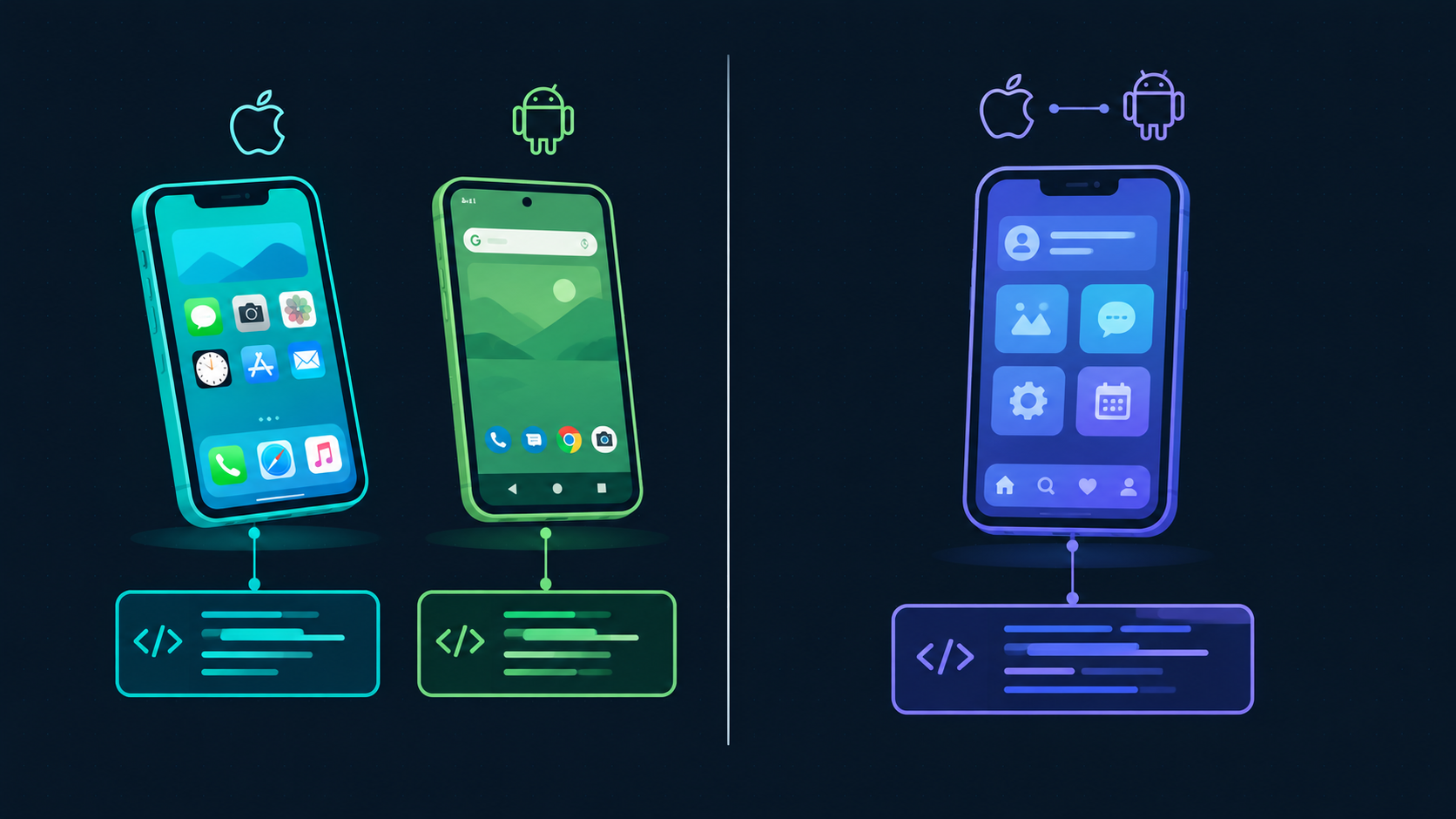
The native vs cross-platform debate is mostly conducted by people who have already decided and are looking for confirmation.
The actual decision is simpler than the discourse suggests. It comes down to four questions.
Does the app need platform-specific hardware?
If the answer is yes, and the hardware capability is core to the product rather than a nice-to-have, native is the right call. A healthcare app that needs HealthKit. A retail app built around computer vision. A logistics tool that depends on BLE scanning. These products need native access. Cross-platform will get there eventually. Eventually is not always acceptable.
Does the product need to feel genuinely native on both platforms?
Not "good enough." Genuinely native. If yes, two native codebases is the only reliable way to deliver that. Flutter is impressive and gets closer than anything else in the cross-platform world, but it still renders its own UI layer rather than using platform components.
What is the team size and timeline?
One shared codebase requires fewer engineers to build and maintain. For a startup shipping an MVP, that trade-off often makes sense. For a product expecting significant scale or a long maintenance life, the accumulated cost of working around cross-platform limitations can exceed the cost of two native codebases.
Is the product primarily on one platform?
If most users are on iOS and Android is secondary, start with native iOS and decide about Android later. A well-built native iOS app will do more for the product than a mediocre cross-platform app on both.
Here is where the thinking often goes wrong. Teams choose cross-platform to save money and then find that the platform-specific native modules they eventually need cost more to implement in a cross-platform context than they would have cost natively. The upfront savings are real. The assumption that they persist as the product grows is frequently wrong.
Once the native versus cross-platform decision is made, the next question is who builds it. That conversation deserves its own attention: how to choose the right mobile app development company covers the specific things to look for in a partner and the red flags that tend to show up early if you know what to watch for.
The Native App Development Process
Discovery before everything. Before design, before development, before any technical decisions: what does the app need to do, for whom, on which devices, accessing which hardware, integrated with which backend systems, under which security and compliance requirements. This phase exists to prevent expensive corrections later. Skipping it does not save time. It borrows time from every subsequent phase with interest.
Design for the platform, not despite it. Apple's Human Interface Guidelines and Google's Material Design are not optional style overlays. They are expressions of how users on each platform expect software to behave. The best native apps work with those systems rather than around them. Design produced without awareness of platform conventions creates implementation problems that are costly to fix once development is underway.
Development is iterative. Native iOS in Swift and SwiftUI in Xcode. Native Android in Kotlin and Jetpack Compose in Android Studio. Features built in increments. Tested against real devices. Integrated with backend APIs in parallel. The backend work, REST or GraphQL APIs, authentication systems, data pipelines, is part of the scope, not a separate problem.
QA on real devices. Simulators catch a lot. They do not catch everything. Android in particular requires testing across a meaningful range of screen sizes, OS versions, and manufacturer configurations. Manual testing covers the platform-specific edge cases automated tests are not built to find. App Store and Google Play submission each have their own review checklists that need to be satisfied before the app reaches users.
Post-launch is the beginning, not the end. Apple and Google release major OS updates every year. Each update changes behaviors, deprecates APIs, and occasionally breaks things that were working fine. The team that built the architecture is the team best equipped to update it correctly. Treating post-launch support as someone else's problem is a reliable path to an app that stops working in year two.
Native App Development Cost
Cost is the first question and the hardest one to answer honestly.
Platform scope is the biggest lever. One native codebase costs less than two. That is not a subtle difference. Running iOS and Android development in parallel roughly doubles the engineering time compared to a single platform. Cross-platform development exists partly to address this. Whether the trade-off is worth making depends on the product requirements discussed above.
Feature complexity has the widest range of any variable. A simple app with authentication, a few screens, and a basic API sits at one end. An app with real-time sync, hardware integration, offline functionality, complex business logic, and AI-powered features sits somewhere else entirely. The distance between those two ends is not a rounding error.
The backend is part of the cost. A mobile app development estimate that covers only the mobile layer is not a complete estimate. APIs, authentication, push notification infrastructure, database design, third-party integrations: these are engineering work, and they need to be scoped alongside the app itself.
As directional ranges: a simple single-platform native app typically starts somewhere between $30,000 and $80,000. A complex dual-platform native product with custom design and multiple integrations falls between $100,000 and $300,000. Enterprise applications with compliance requirements and large-scale backend infrastructure go beyond that. These numbers are not quotes. They are ranges that tell you which conversation you are in. The actual number comes from a scoping conversation about your specific product.
Native Mobile App Development for US Businesses
US businesses choose native mobile app development when an application requires high performance, reliable device integration, or strong support for platform-specific features like biometrics, location, push notifications, camera, or Bluetooth.
iOS is the dominant platform for US consumer products in most categories, particularly in higher income brackets, urban markets, and younger demographics. Products targeting that audience need to feel correct on iOS, not just functional. iOS users compare every app against every other app on their phone, and they hold things to a standard they could not articulate but definitely apply.
Android reaches the broader US device market. Essential for products serving users across a wide range of income levels, regions, and device types. Android is also the preferred platform for enterprise mobile deployment, where MDM integration, device management, and enterprise system connectivity are priorities that iOS handles differently.
Regulated industries have specific reasons to prefer native. Healthcare apps that need HealthKit. Financial products with biometric authentication requirements. Enterprise tools with data residency requirements. Native development's direct access to platform security APIs and its clean alignment with App Store and Google Play compliance requirements makes those conversations simpler.
What This Looks Like With Toadster
When a product team comes to us with a mobile requirement, the first conversation is not about which framework to use. It is about what the product needs to do, who uses it, what hardware it needs to access, and how long it needs to stay competitive. The technology decision follows from that conversation.
Our native mobile app development services cover native iOS development with Swift and SwiftUI, optimized for App Store guidelines and Apple's design standards, and native Android development with Kotlin and Jetpack Compose, covering the full Android device ecosystem across screen sizes and OS versions. For products where cross-platform is the right fit, we build with React Native and Flutter.
We handle the full scope. Mobile development, backend infrastructure, REST and GraphQL APIs, authentication systems, third-party integrations. UI and UX design from user research through pixel-perfect design systems, before development begins. QA testing across real devices and OS versions, with full App Store and Google Play submission support.
For teams building AI-powered mobile apps, on-device ML, voice recognition, computer vision, and recommendation engines integrate directly into native iOS and Android. For enterprise teams, our native iOS and Android app development covers field workforce tools, approval workflows, inventory systems, and enterprise resource apps with SSO and MDM support.
We also handle app modernisation. Legacy mobile codebases that need to be migrated to current OS versions, redesigned for current platform standards, or re-engineered for performance without losing user data.
Native mobile app development is not always the right answer. For some products, cross-platform is the smarter choice. The decision depends on what the app needs to do, not on a general preference for one technology over another.
For products where the mobile experience is central to the value, where hardware access is a requirement rather than a feature, where users hold the app to a platform-native standard, native is the approach that delivers. The specificity of it, one codebase per platform, one set of tools, one design system, is the source of both its cost and its quality.
If you are working through that decision for a product you are planning or currently building, talk to our team and we will help you map your requirements to the approach that actually fits.