
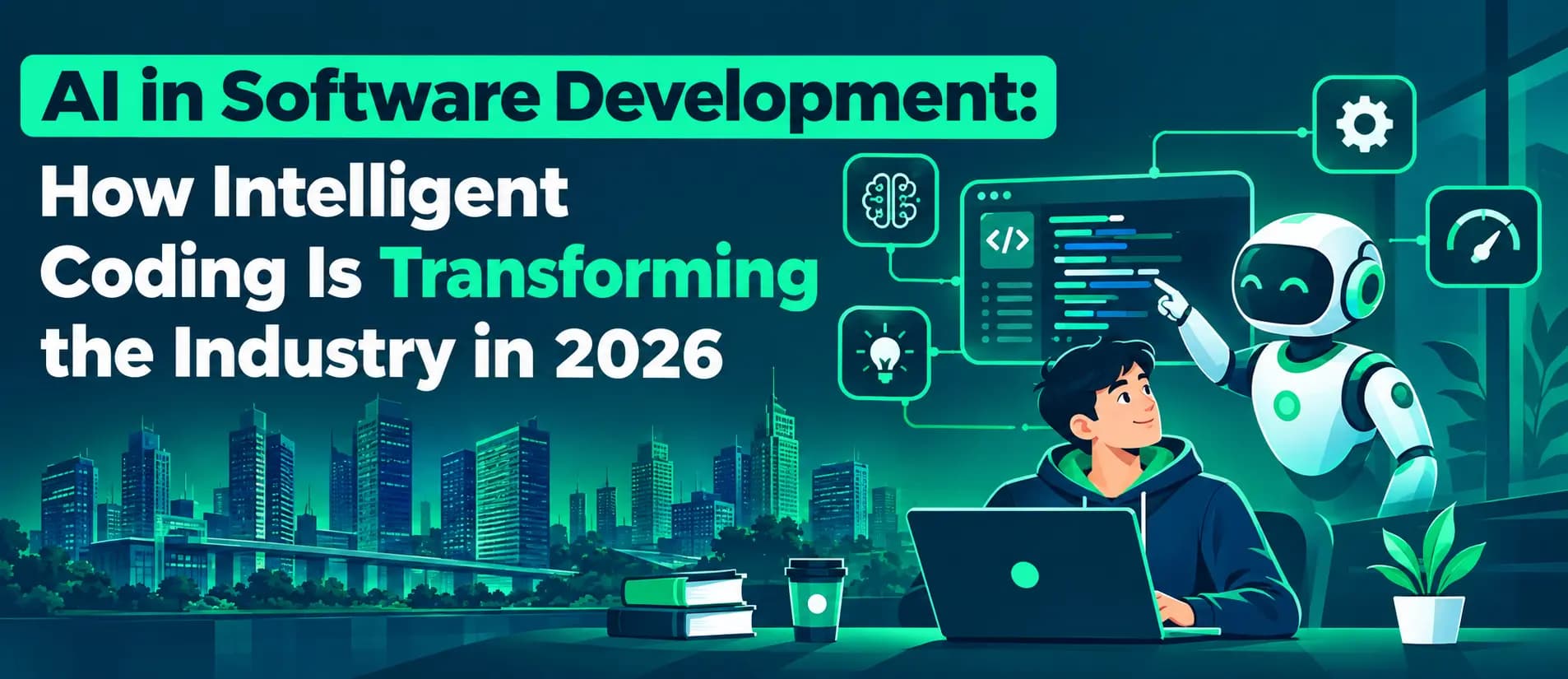
What does AI in software development actually mean day-to-day?
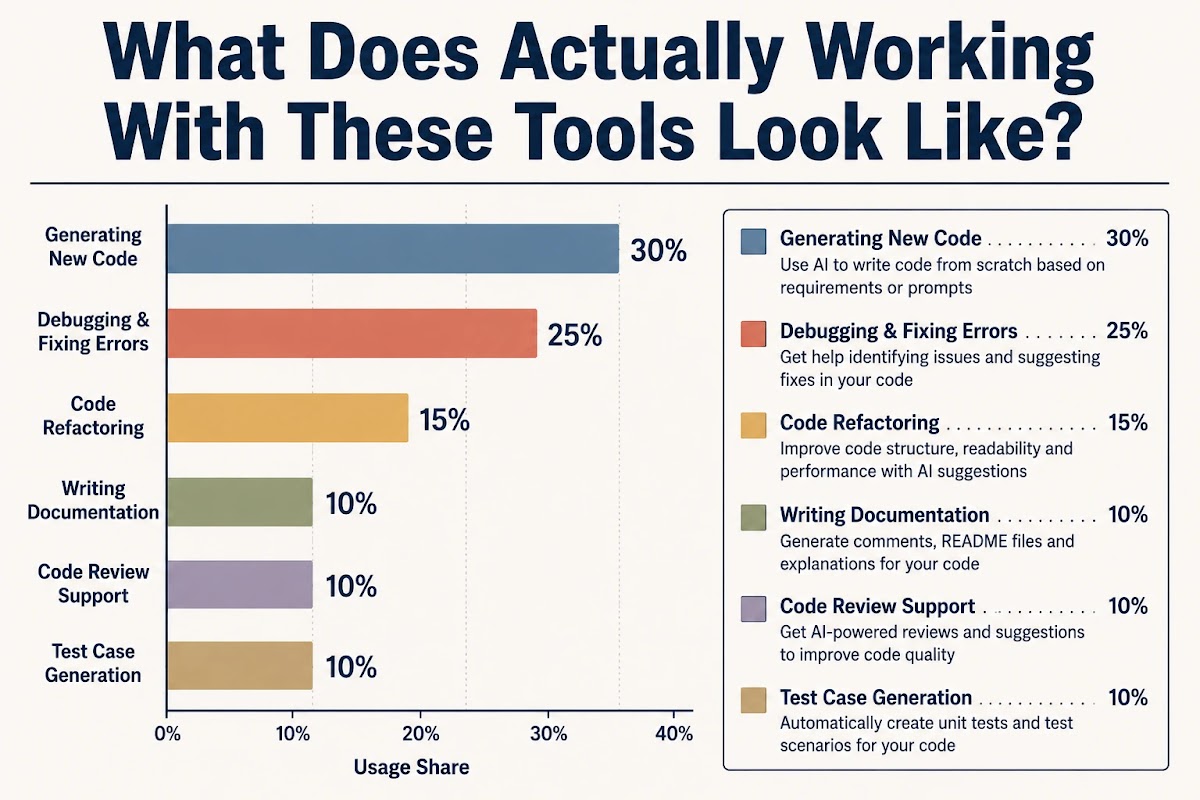
The short answer: it means you spend less time typing things you already know how to type. That sounds trivial until you realize how much of a typical sprint is exactly that - boilerplate, test scaffolding, documentation, translating what you want into what the API expects. Where it doesn't help, or actively wastes time, is anywhere the problem is new. Novel architecture, unfamiliar failure modes, logic that depends on business context that lives in someone's head and not in the codebase - these are still human problems. The model has no idea your company processes refunds differently for enterprise accounts. It will confidently write code that ignores that distinction. That gap - confident output, wrong assumption - is the real risk with these tools. Not that they're useless, but that they're convincing when they're wrong.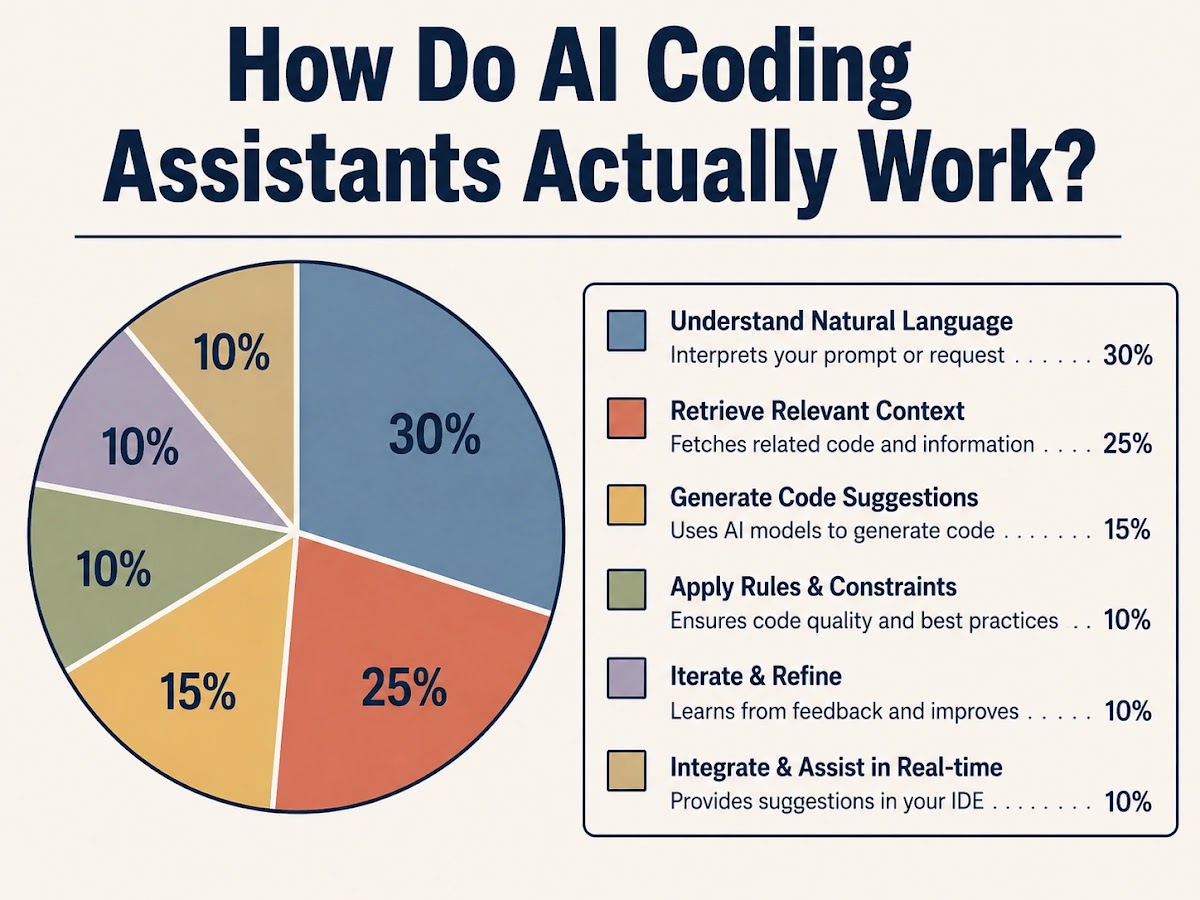
How do AI coding assistants actually work?
They're large language models trained on public code repositories. They predict what comes next based on what you've already written plus whatever context fits in the window. That's genuinely it. There's no understanding, no debugging in the way a person debugs, no model of your codebase's intent. Just extremely sophisticated pattern-matching that produces plausible-looking code. GitHub Copilot is the default for most teams right now - partly because it integrates cleanly into VS Code and JetBrains, partly because it was first. It's genuinely good at mainstream languages and common patterns. It falls apart on anything unusual. Cursor is more interesting architecturally. It treats your whole codebase as context, not just the open file, which means when you're refactoring something that touches 8 files, it doesn't lose the thread halfway through. Developers who use it seriously tend to find it difficult to go back to Copilot for anything involving real codebase navigation. For documentation, architectural planning, or understanding a piece of legacy code someone wrote in 2019 with no comments - conversational models handle this better than IDE-native tools. The task doesn't need fast inline completion; it needs something that can reason across a long prompt. That's a different use case, and treating it like the same one is where a lot of teams underuse these tools.Which AI tools are best for software developers in 2026?
Depends entirely on what you're doing. The "one tool to rule them all" framing is wrong and vendors would prefer you not notice that. AI in software development is not a single capability - it's a category that spans line-level completion, codebase-wide refactoring, test generation, security scanning, and autonomous multi-step task execution. Each of those has a different leader. For day-to-day completion: GitHub Copilot or Cursor, depending on how much of your work involves multi-file context. For AWS environments: CodeWhisperer's security scanning layer is worth the friction. For anything that needs longer reasoning - architecture review, explaining a gnarly function to a new engineer, writing actual documentation - a conversational model beats an IDE plugin every time. Most experienced developers end up running 2 of these simultaneously, which is either a sign of immaturity in the tooling or just the reality that different problems have different shapes. Probably both.How do AI tools for testing and debugging actually help?
This is where the productivity argument is most honest. AI generates unit test scaffolding quickly, catches edge cases that get skipped under deadline pressure, and lowers the psychological barrier to writing tests in the first place. Teams that were writing 20% test coverage are now writing 60%, not because they care more about testing but because the cost of starting dropped. The thing the detractors get right: coverage numbers from AI-generated tests are not the same thing as meaningful test coverage. The model writes tests that verify the code does what it already does - not that it does what it should. A function with a subtle off-by-one error will have AI-generated tests that pass confidently. The practical fix is to use AI for the scaffolding and then treat the generated tests as first drafts you edit to reflect actual intent. Teams that do this ship better code than teams that either write tests from scratch or skip them. The activation energy drop is real even if the output needs human judgment before it means anything.